-
About
- About the Academy
- Administration
- Annual Report
- Awards & Recognition
- Board of Trustees
- Business and Community Connections
- Calendars
- Communications
- Compliance (Policies)
- Current 8th Graders
- Directory
- History
- Mission & Vision
- Pinkerton News
- Social Studies Wing -- Building Project
- Start Time Committee Information
- Strategic Plan
- Technology
- Academics
- Admissions
- Alumni
- Athletics
- Careers
- Clubs & Activities
- Stockbridge Theatre
Computers & Related Technology
The IT Department is responsible for the implementation and upkeep of technology on campus as well as most account logins for systems at Pinkerton Academy. Student Chromebooks are handed out by the IT Department as well.
Technology
Information Technology (IT) and Student Information Services (SIS) Departments
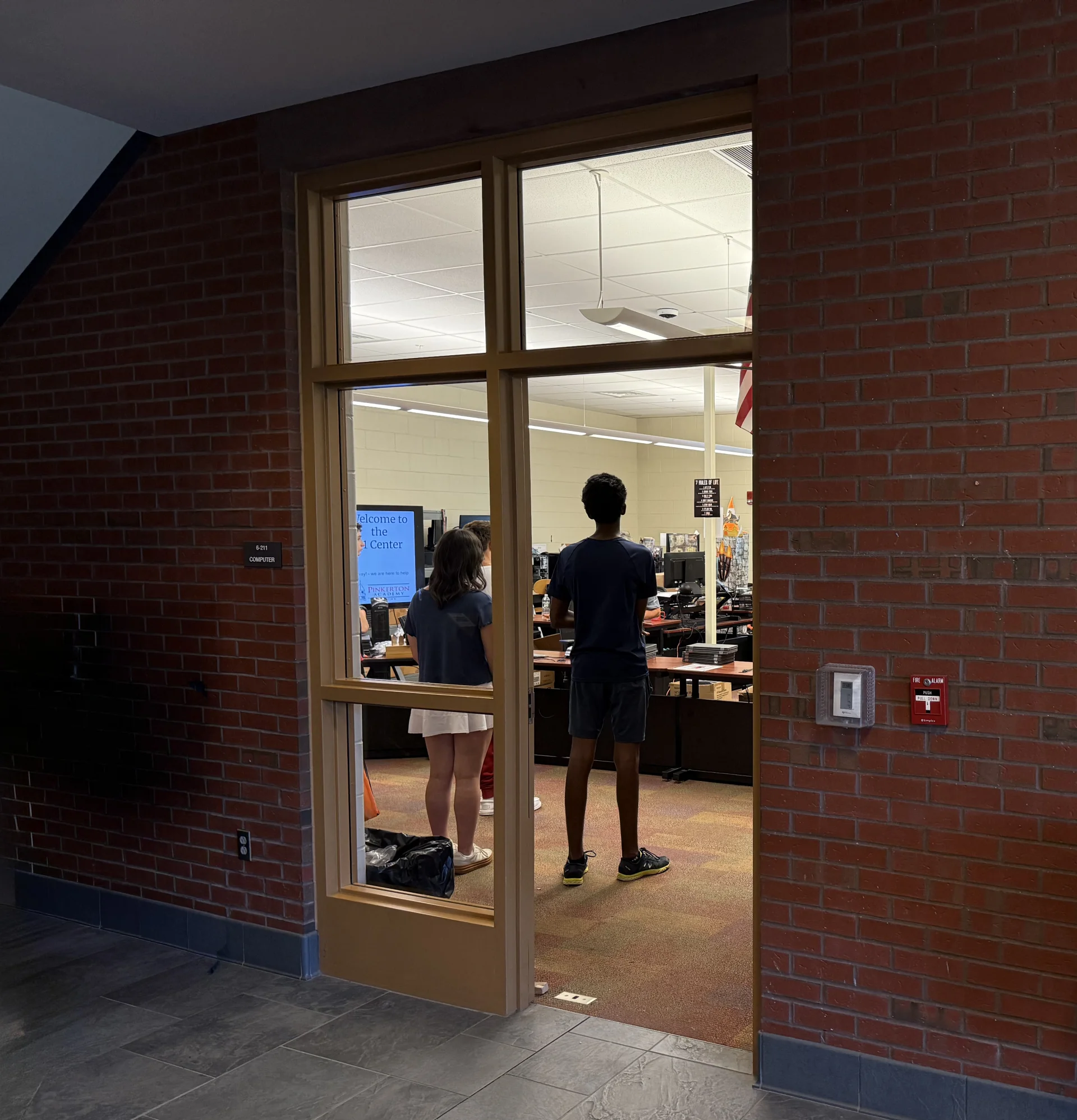
Located in the Freshman Academy Building, the IT department can be found in Room 6-211 on the second floor of the building between the staircase and the Teacher's Work Room. The SIS office is in Room 6-109 in the Academy Building.
"In 2025, legislation was enacted requiring all school boards and boards of trustees of chartered public schools to adopt and/or update policies governing student use of cell phones and other personal electronic devices during the instructional day." (from education.nh.gov)
Governor Ayotte’s legislation bans cell phones, tablets, smart watches, personal computers, laptops and any other personal communication device that connects to WiFi or a cellular network. These devices may not be used during the school day, which is from the first bell at the start of school until the dismissal bell at the end of the school day.
The legislation goes on to say “school policies shall not prohibit students with medical needs, such as insulin pumps and glucose sensors, or disabilities from using a device to support their learning as identified by their individualized education program (IEP)...” (education.nh.gov)
Aspen

The student information system software that Pinkerton Academy uses is Follett's Aspen. The login page for PA students, faculty, staff and parents can be found here: Aspen Login or on the Student page of the Pinkerton Academy website, use the Student Portal button.
For questions about logging into Aspen, please direct them to the SIS Department by sending an email.
I.D. Cards
I.D. Cards for students are taken by the Registrar's Office, on the 3rd floor of the Low Building. Faculty and staff should email the SIS Department for a replacement card.
Getting Help
Aspen-related questions are handled by the SIS department (see link above). All other technology related issues can be sent to the IT Department by sending an email.
Please visit our PA Student Technology Help Pages slides below, built for mobile web browsers.
Social Media